Services · Service
Industrial HMI & UI/UX Design
Meaningful for engineers, simple for operators.
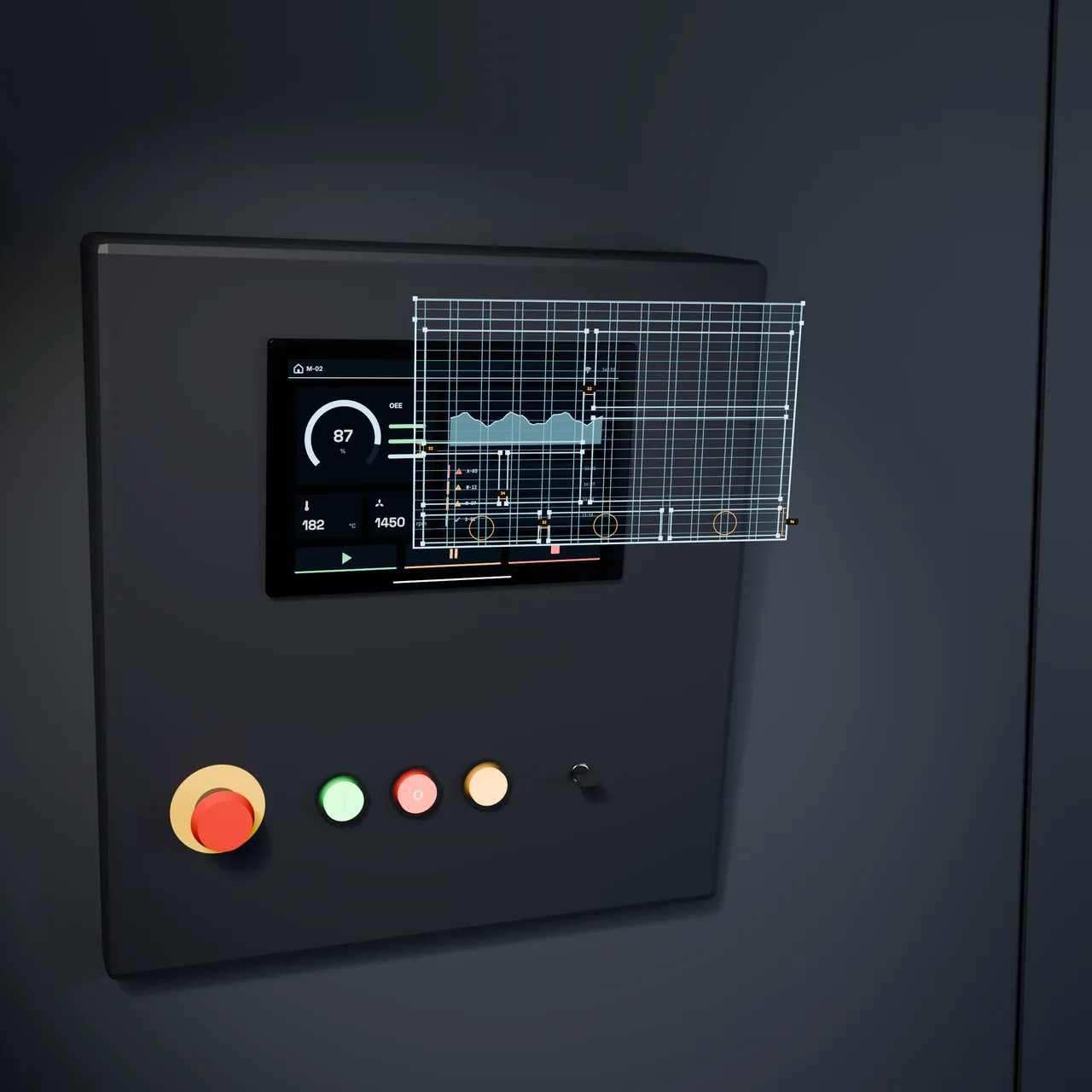
Overview
The problem in the field. Industrial HMIs are often just the parameter list in the engineer's head dumped onto a screen: tiny buttons, a single page with 40 fields, colors that do not distinguish an alarm from a warning, and contrast that cannot be read in a dark workshop. Operator errors increase, training takes longer, and service calls start with "I didn't understand the screen". For a machine builder, the screen is also the brand; when a competitor's screen looks "better", it shows at trade fairs.
The Elmes approach. The field comes first: what the operator does, how often, and which mistakes they make. Then the information architecture: which information at which depth, the alarm hierarchy (warning / alarm / stop), shifts and user levels. Next comes the design system: large touch targets, color-coded states, dark / high-contrast mode, corporate theme. The prototype is tested with operators in Elmes HMI Editor and then implemented on the target platform. Communication with the controller (serial, Modbus, SPI) and the data model are set up by Elmes.
The result. Fewer operator errors, shorter training and a product family with one design language. If the manufacturer prefers, the panel comes ready as hardware + software (DiscOS or DWIN/TFT) and connects to their own board through communication only.
| Criterion | Screen made by the engineer | Graphic design agency | Elmes |
|---|---|---|---|
| Field reality (gloves, light, noise) | Hit or miss | Unknown | Defined through UX discovery |
| Hardware limits (memory, colors, touch type) | Known | Unknown | Part of the design from day one |
| Communication with the controller | Yes | No | Yes (own board or customer board) |
| Theme / product family consistency | No | Yes | Yes (theme system) |
| Prototype and operator testing | No | Static | Clickable (Elmes HMI Editor) |
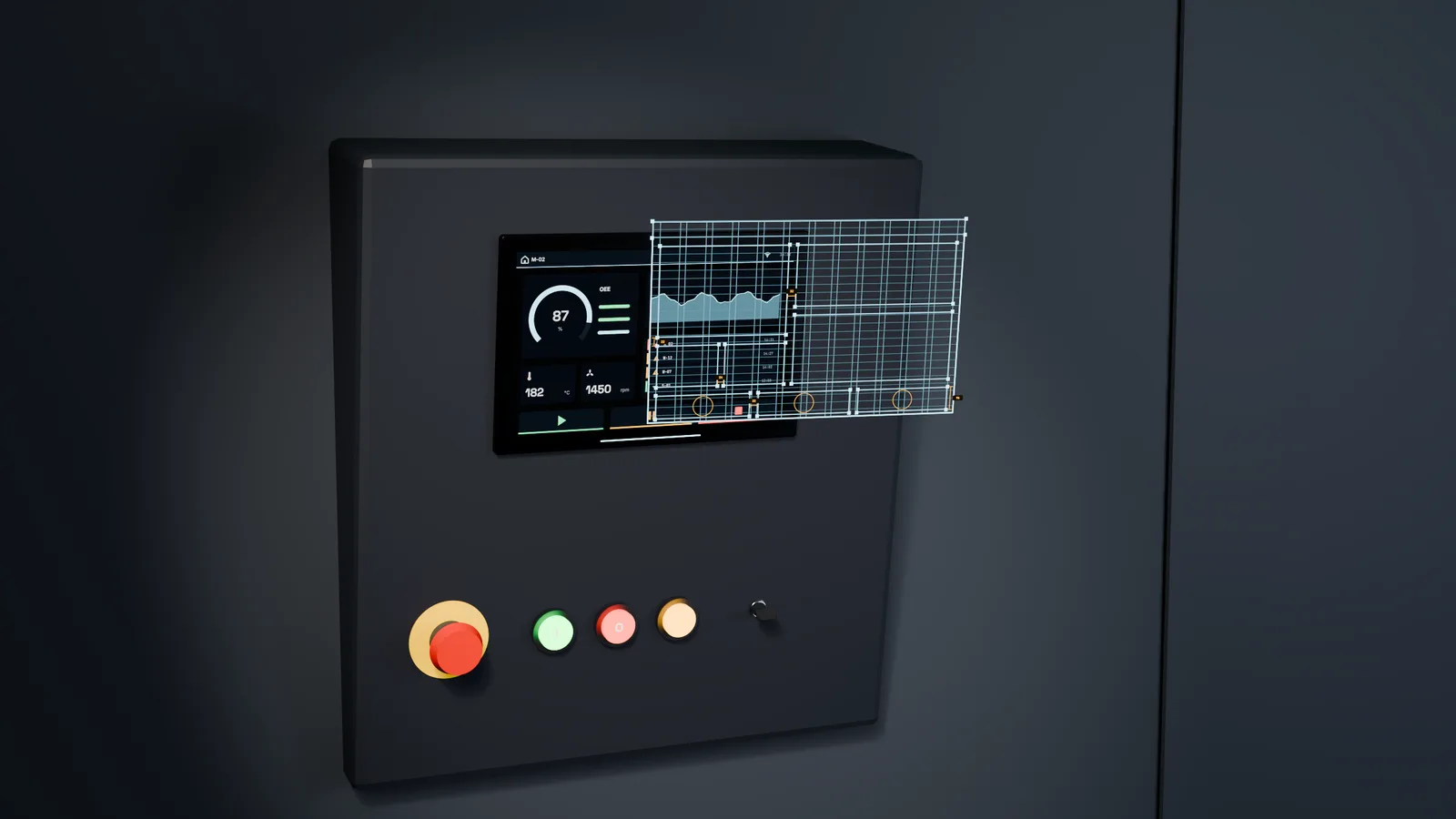
Features
- Field UX research: operator observation, task analysis, error points.
- Accessibility: large touch targets (for use with gloves), high contrast, legible fonts; custom pixel fonts generated for embedded screens.
- Dark / high-contrast mode, plus ambient-light-based theming where the platform supports it.
- Alarm hierarchy: color and sound coding for warning / alarm / stop; alarm list and history.
- Theme system: corporate colors and logo from a single file; a consistent look across the product family.
- Rapid prototyping: clickable screens in Elmes HMI Editor, shared in the browser.
- Multi-shift use: user levels (operator / maintenance / manager), shift log.
- Panel ↔ controller communication: serial, Modbus or SPI; the data model is set up by Elmes.
- Multiple languages: via a text table; for embedded screens a font table is generated per language.
- Hardware + software package: the manufacturer gets a ready panel based on a DWIN/TFT module or a DiscOS panel.
- 3D / animated operator interface: optional; already applied in machine automation projects.
- TargetDiscOS app package: panel software is updated over the air via Wi-Fi or USB as a .dap package (DiscOS).
Service scope
Indicative durations and pricing depend on project scope; final figures are set in the quotation.
Values marked “Target” are design targets, next-generation values or chip-vendor data; they are updated as measurement and certification are completed.
| Scope (included) | UX discovery, information architecture, design system/theme, prototype, operator testing, implementation on the target platform (DWIN T5L, Nextion, dsPIC/STM32 TFT, DiscOS, React/WPF/Qt), panel ↔ controller communication, multiple languages, user manual; optional supply of panel hardware |
|---|---|
| Scope (not included) | The process/control logic itself (covered by SCADA & Industrial Automation or Contract Electronics Product Development); brand identity design (logo etc.); mechanical panel cut-outs and enclosures (with Contract Electronics Product Development); third-party display module licenses |
| Process | Field discovery (operator observation, task analysis) → information architecture and alarm hierarchy → design system and theme → clickable prototype and operator testing → implementation on the target platform and controller communication |
| Typical duration Indicative | Discovery 1–3 weeks; design + prototype 3–6 weeks; panel implementation 3–10 weeks; web/desktop application 4–12 weeks |
| Deliverables Target | UX discovery report (task analysis, error points); information architecture and alarm hierarchy; design system and theme file; clickable prototype and operator test findings; screen implementation and source files for the target platform; panel ↔ controller communication protocol document; language tables; user manual |
| What we need from you | Site access and interviews with 2–3 operators; existing screens and the parameter list; controller communication documentation (if the customer's own board is used); corporate identity files; list of languages; feedback on review rounds within 1 week |
| Team / tools | UX/UI designer, embedded software engineer, web developer; Elmes HMI Editor, DWIN DGUS, Nextion Editor, STM32CubeIDE/TouchGFX, Qt 6, React/TypeScript; Elmes's in-house test tools (serial communication testing, embedded font generation, virtual keyboard) |
| Pricing model Indicative | Discovery: fixed fee. Design + prototype: fixed fee based on the number of screens. Implementation: fixed scope or per person-day. Hardware package: per-panel unit price + implementation NRE. Maintenance: annual |
| Warranty Target | Implementation defects: fixes for 6 months after delivery |
| Hardware and maintenance | Product warranty for panel hardware (DiscOS panel or the module manufacturer); version and language updates with the maintenance package |
Applications
- Machine builders (OEM panels)
- Laboratory and medical devices
- Furnace and thermal process controllers
- Refrigeration and HVAC equipment
- Disinfection devices
- SCADA control room screens
- Field tablets
- Executive dashboards
- Portable measuring instruments
In Elmes products. The same team also designs the interfaces of Elmes's own devices: the 7" DWIN interface of the Elmes Thermal Process Controller, the map-based panel of the Wireless Fire Alarm System, and the VibroBal and DiscOS screens.
Platforms. DWIN T5L, Nextion, dsPIC/STM32-based 4.3" / 7" TFT boards, DiscOS and web/desktop (React, WPF, Qt). The platform is chosen during discovery based on cost, screen size, animation needs and update method.
Safety note. The panel is only a display and input layer; process logic stays in the controller and the emergency stop is a physical button. The control logic itself is covered by SCADA & Industrial Automation or Contract Electronics Product Development.
Compliance & documentation
Contract and intellectual property
- Design files: design files and screen sources are handed over to the customer after payment; the customer-specific part of the design system belongs to the customer.
- Elmes components: Elmes's generic component library, DiscOS and Elmes HMI Editor remain with Elmes; the customer receives a usage license (a per-panel or per-project license model is planned for DiscOS).
- Confidentiality: machine visuals and process information are confidential under an NDA; use in our portfolio requires separate written permission.
- Third party: the DWIN/Nextion editors and runtimes are subject to their own license terms.
- Self-declaredISO 9241 and IEC 60073 principles (ergonomics, color/marking codes)Used as a reference in the design system; certification is out of scope
- Out of scopeEN ISO 13850 — emergency stopNo emergency stop is implemented through the screen alone; the E-Stop is a physical button and the machine builder's responsibility
- TargetAccessibility rules (touch targets, contrast)As written rules in the design system
- Self-declaredKVKK — web and dashboard projectsFor projects with user data, the data-protection approach of the Industrial Software Development service applies
- TargetProject document templates (design system, discovery form, quotation/SOW, communication protocol, DiscOS and HMI Editor license terms)
Frequently asked questions
We have our own control board; can we order just the screen?
Yes. The panel ↔ board protocol is defined from the controller's communication documentation, and the most suitable option among DWIN, Nextion or DiscOS is implemented.
Can we get the panel together with the hardware?
Yes. A DWIN/TFT module or a DiscOS panel is delivered per unit together with the application.
Which display platform should we choose?
We recommend one during discovery based on cost, screen size, animation needs and update method: DWIN/Nextion (fast, low cost), a TFT board (full control) or DiscOS (app packages, OTA, an Elmes product).
Can we see the design in advance?
Yes. A clickable prototype built in Elmes HMI Editor is shared in the browser and tested with operators.
Are multiple languages possible?
Yes, through a text table. For embedded screens a font table is generated for each language.
We want to refresh our existing screen; do we start from scratch?
No. The inventory of existing screens and the parameter list are inputs to discovery; the flow can be kept while the visual language and ergonomics are renewed.
Does the machine stop if the screen fails?
No. The process logic runs in the controller; the panel is only a display and input layer. The emergency stop is a physical button.
Do we keep the design files?
Yes. Customer-specific designs and screen sources are handed over; Elmes's generic libraries, DiscOS and Elmes HMI Editor are used under license.
Let's talk about your project
Our engineering team replies within 24 hours.
Related products
 Coming soonHMI & Embedded Platform
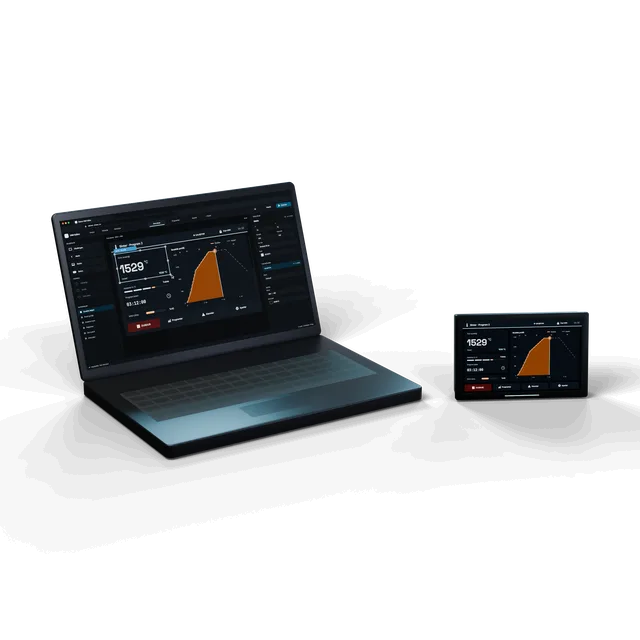
Elmes HMI Editor
Draw HMI screens in the browser, bind them to variables, simulate without the device.
View details: Elmes HMI Editor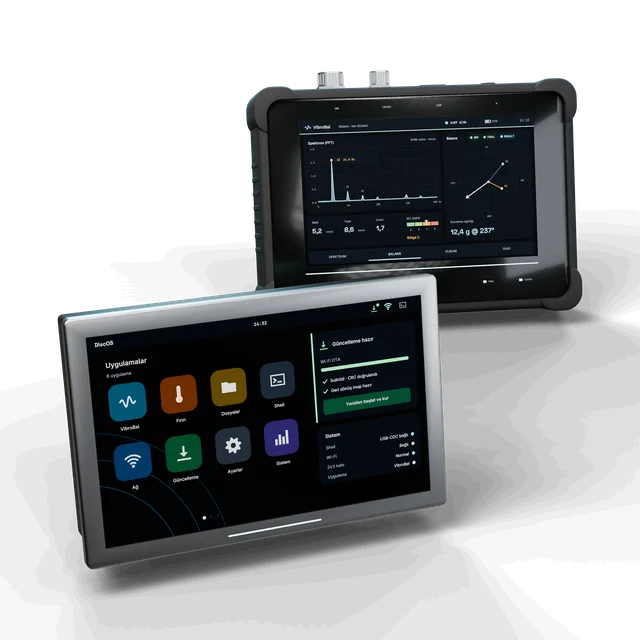 Coming soonHMI & Embedded Platform
DiscOS — Embedded HMI Operating System
A ready-made OS for your touchscreen device: bootloader, updates, app model and a shell that machines can talk to.
View details: DiscOS — Embedded HMI Operating System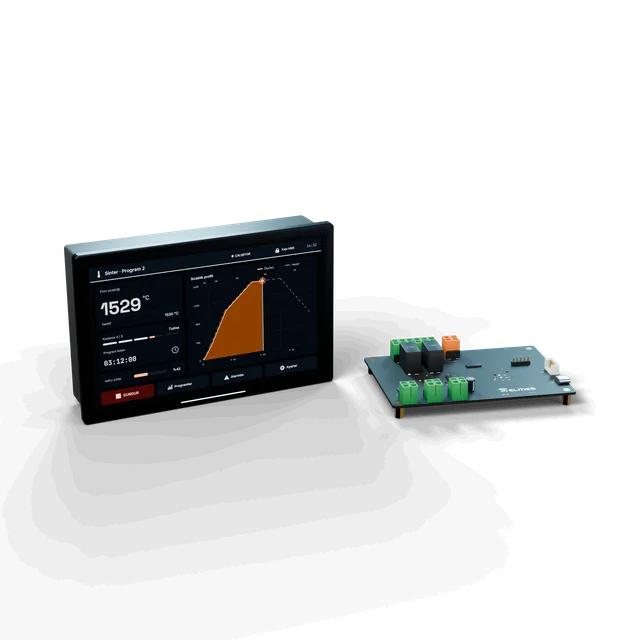 Coming soonOEM Device Control
Elmes Thermal Process Controller (sintering, drying, heat treatment)
A furnace controller that runs programmed temperature profiles safely and resumes where it left off.
In field testing
View details: Elmes Thermal Process Controller (sintering, drying, heat treatment)